
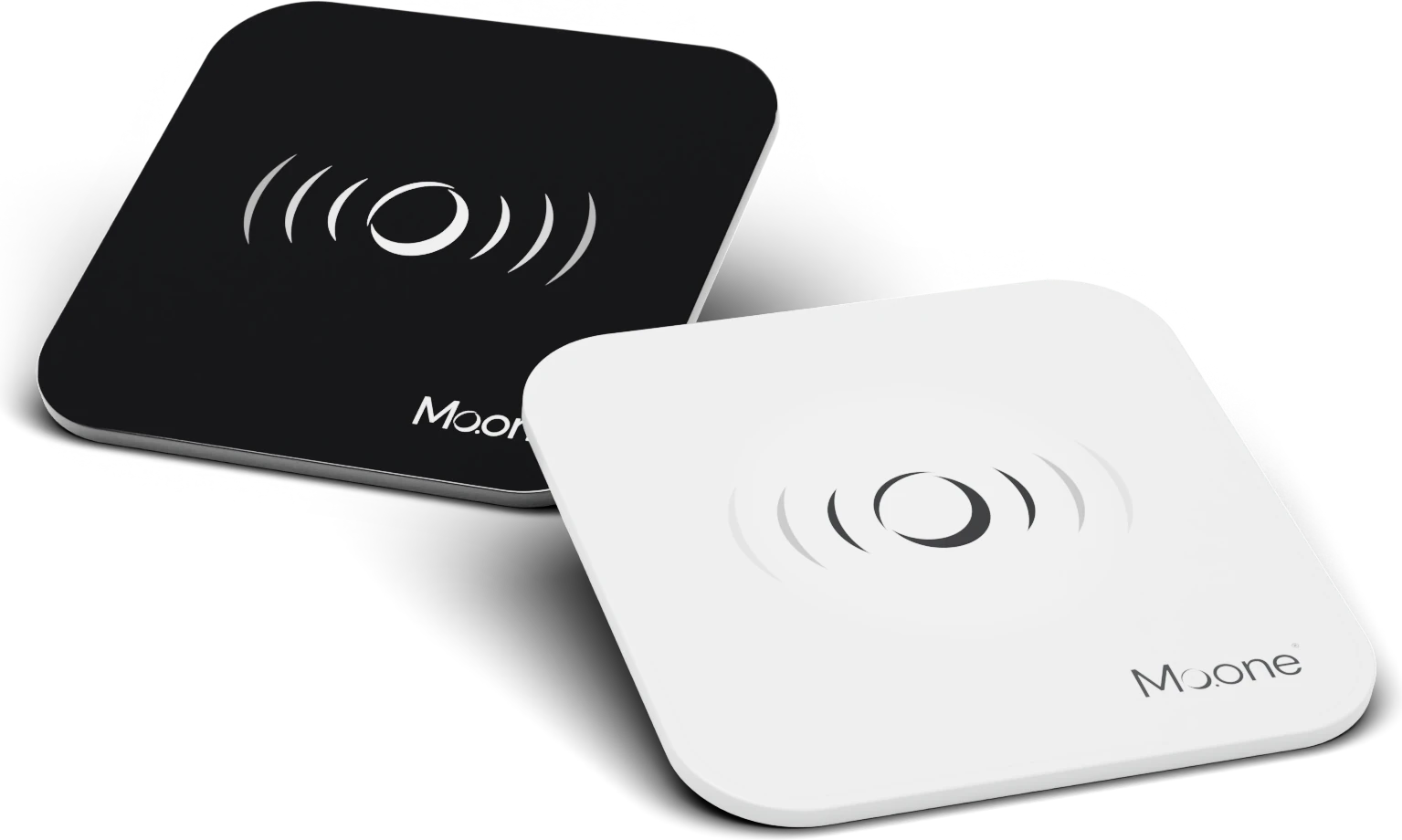
PayPoint. It turns your counter into a payment point.
You put it next to the till. The customer holds their phone to it, confirms the payment in their bank and the money is in your account within three seconds. No power supply, no installation, no fee for the device.
Staff raise the payment. The customer holds up a phone.
You raise a payment
In the Mo.one App you enter the amount and pick a PayPoint. It works from your phone as well as from a staff phone.
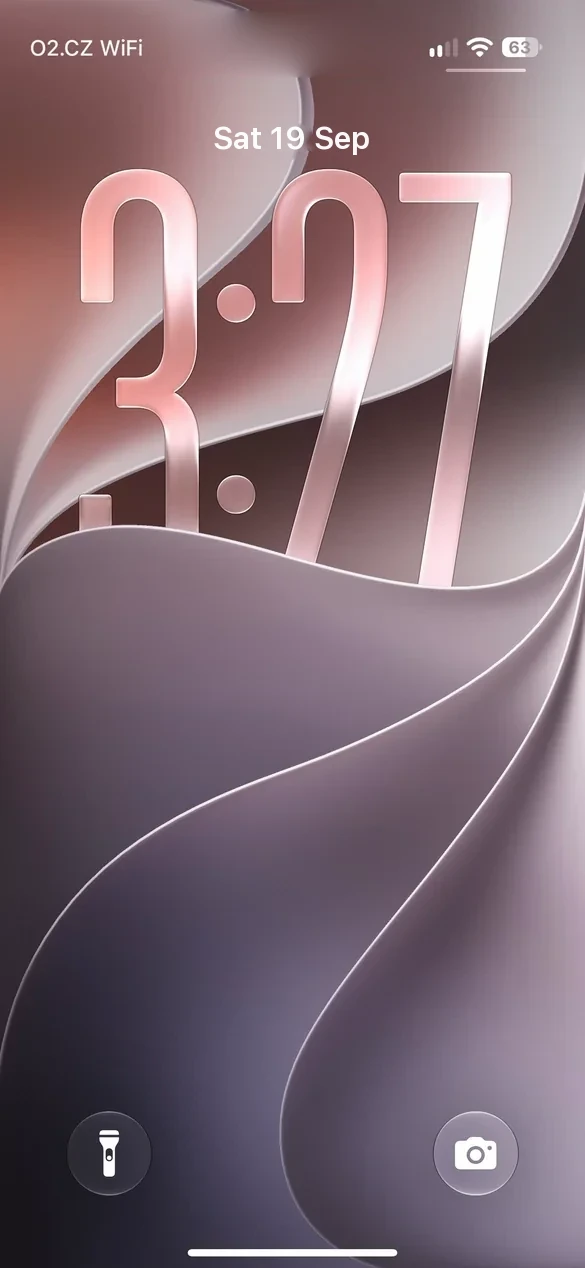
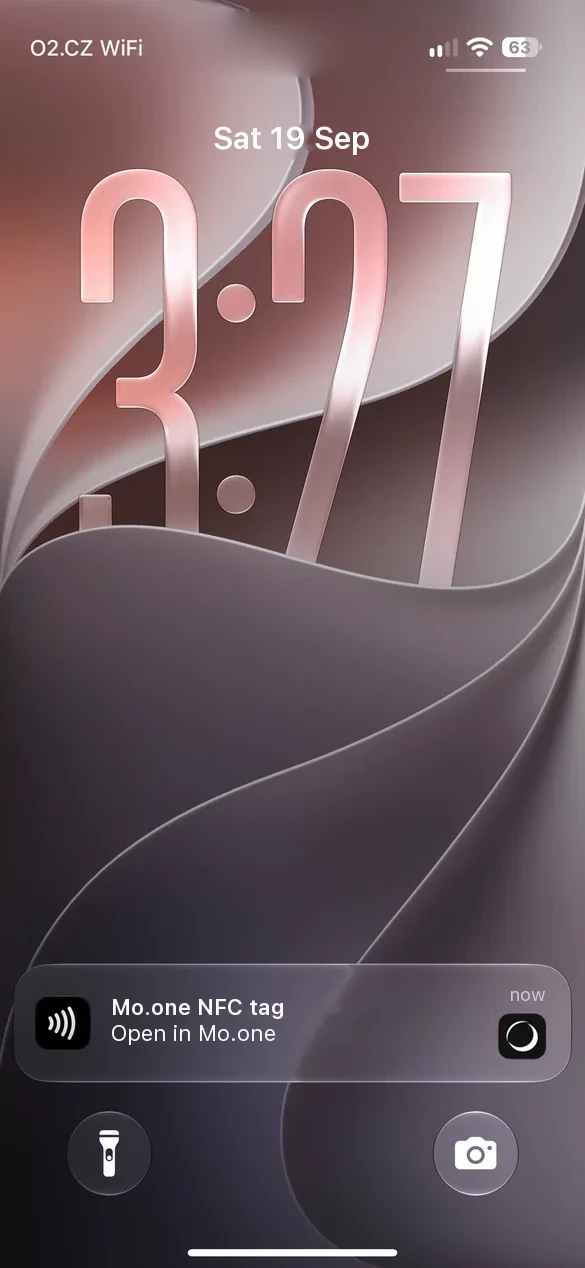
The customer holds up their phone
The phone picks the payment up from the PayPoint, opens their bank and the customer confirms the payment. The same gesture as with a card.
The money is in your account
Account to account through CERTIS at the Czech National Bank. You see the payment in the app the moment it arrives.
Fast payment in progress…
- To account
- 000000-5771822073/0800
- Variable symbol
- 740720
- Specific symbol
- Constant symbol
- Due date
- 19 Sep 2026
- Payment type
- Instant
- Message for the payee
- Payment Kavárna Zrnko
- IBAN
- CZ65 0800 0000 1920 0014 5399
- Variable symbol
- 740720
- Amount
- 89 Kč
- Note
- Payment Kavárna Zrnko
- Transaction ID
- ZYDYKM
- Paypoint
- White
A PayPoint with no battery. Everything else is in the app.
No power supply and no installation
Passive NFC. Nothing to charge, nothing to connect. You put it down and it works.
Linked to your account
Every PayPoint has a bank account assigned in the app. The money goes from the customer's account straight there, at any Czech bank. Mo.one never touches it.
More PayPoints, one overview
The counter, the garden, a stall at an event. Every PayPoint is its own payment point and you see the takings together.
Staff with no access to the account
Staff raise a payment from their own phone and see its status. They do not see the account balance.
You keep your cards
The PayPoint takes direct payments. You keep taking cards as you do today, with us or with anyone else.
Documents for your accountant
A transaction statement in the app and as a PDF for a chosen period, with the payer, the amount and the variable symbol.
How direct payments are accounted forYou put the PayPoint on the counter yourself.
Sign-up is online. If you are unsure, we will go through it with you, no strings attached.
Or a consultation, no strings attached with someone from Mo.one.